Why Eye Strain Is a Serious Digital Health Problem
Reduce eye strain by adopting simple habits and smarter screen use in today’s digital world. Excessive screen time from phones, laptops, and tablets often causes headaches, blurred vision, and dry eyes. If ignored, it can affect sleep, focus, and productivity. Understanding the causes and following easy prevention tips can help protect your eyes and maintain better vision naturally.
This detailed guide will explain:
- What eye strain really is
- Why mobile and laptop screens damage your eyes
- Symptoms you should never ignore
- Scientifically proven ways to reduce eye strain
- Daily habits for long-term eye health
What Is Digital Eye Strain?
Digital eye strain refers to a group of eye and vision problems caused by prolonged use of digital devices such as smartphones, laptops, desktops, and tablets.
Unlike reading books, screens force eyes to:
- Focus continuously
- Adjust to glare and contrast
- Blink less frequently
- Absorb blue light
All these factors together overload your eye muscles.
Common Symptoms of Eye Strain

Eye-Related Symptoms
- Dry, burning, or itchy eyes
- Redness and irritation
- Blurred or double vision
- Light sensitivity
- Heavy eyelids
Body & Mental Symptoms
- Frequent headaches
- Neck and shoulder pain
- Difficulty focusing
- Fatigue and low productivity
- Poor sleep quality
Ignoring these signs can lead to chronic eye discomfort and reduced work performance.
Why Mobile and Laptop Screens Cause Eye Strain
1. Blue Light Exposure
Screens emit high-energy blue light, which penetrates deep into the eye and disrupts:
- Eye comfort
- Circadian rhythm
- Sleep hormone (melatonin) production
2. Reduced Blinking
People blink 50–60% less while using screens, causing dryness and irritation.
3. Poor Screen Distance
Holding mobiles too close or laptops too high strains eye muscles continuously.
4. Glare and Brightness
Improper lighting and reflective screens force eyes to work harder.
The 20-20-20 Rule: The Golden Eye-Saving Formula
One of the most effective and doctor-recommended techniques:
👉 Every 20 minutes,
👉 Look at something 20 feet away,
👉 For at least 20 seconds
Benefits:
- Relaxes eye muscles
- Prevents dryness
- Improves focus
- Reduces headaches
Set a reminder on your phone or computer — consistency matters.
Proper Screen Position & Distance (Very Important)
For Mobile Phones
- Keep phone 14–18 inches away
- Hold screen slightly below eye level
- Avoid lying flat while scrolling
For Laptops & Computers
- Screen should be 20–28 inches from eyes
- Top of screen at or slightly below eye level
- Use a chair with back support
Correct posture reduces eye strain + neck pain together.
Adjust Screen Settings for Eye Comfort
1. Reduce Brightness
Match screen brightness with room lighting.
Too bright or too dim = eye stress.
2. Enable Night Mode / Blue Light Filter
- Android: Night Light
- iPhone: Night Shift
- Windows/Mac: Blue light filter
This reduces harmful blue light exposure.
3. Increase Text Size
Small text forces eyes to strain continuously.
Use Proper Lighting in Your Room
Never use screens in dark rooms.
Ideal Lighting Tips:
- Soft ambient lighting
- Avoid light directly behind or in front of screen
- Use anti-glare screen protectors
Good lighting alone can reduce eye strain by 30–40%.
Eye Exercises to Reduce Eye Strain Naturally

1. Palming Exercise
- Rub hands to generate warmth
- Cover closed eyes gently
- Relax for 30–60 seconds
2. Eye Rolling
- Roll eyes clockwise & anti-clockwise
- 10 times each direction
3. Focus Change
- Focus on a near object
- Then focus on a distant object
- Repeat for 1 minute
These exercises relax eye muscles and improve blood circulation.
Keep Your Eyes Hydrated
Dry eyes are a major cause of discomfort.
How to Prevent Dry Eyes:
- Blink consciously
- Drink enough water
- Use preservative-free artificial tears (if needed)
Never use eye drops without recommendation for long periods.
Diet for Strong & Healthy Eyes

Best Eye-Friendly Nutrients
- Vitamin A – carrots, sweet potatoes
- Omega-3 – fish, walnuts
- Lutein & Zeaxanthin – spinach, kale
- Vitamin C & E – citrus fruits, nuts
Healthy diet = long-term vision protection.
Reduce Screen Time Smartly (Not Completely)
You don’t need to quit screens — you need smart usage.
Smart Habits:
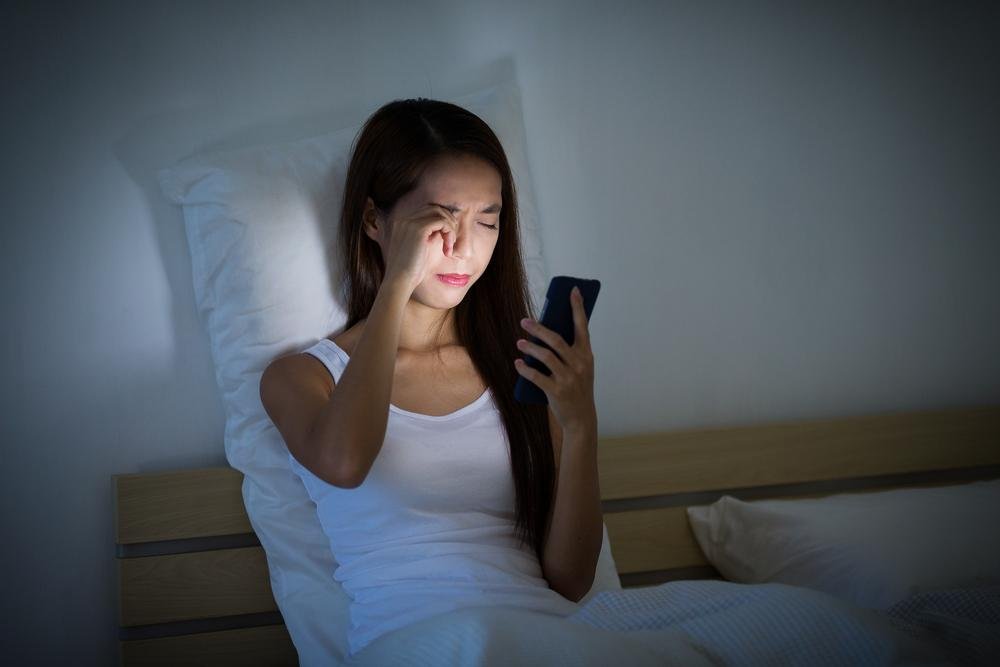
- Avoid phone before sleep
- Take regular breaks
- Use voice notes instead of typing
- Limit unnecessary scrolling
Digital balance protects both eyes and mental health.
When Should You See an Eye Doctor?
Consult a professional if:
- Eye strain lasts for weeks
- Frequent headaches continue
- Vision becomes blurry
- Dryness becomes painful
Early care prevents permanent damage.
FAQs: How to Reduce Eye Strain from Mobile and Laptop Screens
1. What is eye strain from screens?
Eye strain, often linked to Digital Eye Strain, occurs when your eyes get tired from prolonged use of mobile phones, laptops, or other digital devices. Symptoms include dryness, blurred vision, and headaches.
2. What are the common symptoms of eye strain?
Common signs include:
- Dry or watery eyes
- Blurred or double vision
- Headaches
- Neck and shoulder pain
- Sensitivity to light
3. How can I reduce eye strain while using screens?
Follow simple habits like:
- Take regular breaks
- Adjust screen brightness
- Maintain proper distance from the screen
- Use anti-glare screens or glasses
4. What is the 20-20-20 rule?
The 20-20-20 rule suggests that every 20 minutes, you should look at something 20 feet away for at least 20 seconds. This helps relax your eye muscles and prevent fatigue.
5. Does screen brightness affect eye strain?
Yes, very bright or very dim screens can strain your eyes. Adjust brightness to match your surroundings and avoid using screens in dark environments.
Final Thoughts: Protect Your Eyes Before It’s Too Late
Eye strain from mobile and laptop screens is preventable, but only if you act early. Small daily changes — proper posture, screen settings, eye exercises, and smart breaks — can save your vision for life.
Your eyes work tirelessly for you.
Give them the care they deserve.
Conclusion
Reducing eye strain from mobile and laptop screens is essential in today’s digital lifestyle. By following simple practices like the 20-20-20 rule, maintaining proper posture, and adjusting screen settings, you can protect your eyes and improve comfort. Small daily changes can make a big difference in keeping your vision healthy.
for more click here…